Ninety Seconds at the Door Decide Whether an Alarm Gets Used
Every monitored alarm lives or dies at the keypad. You walk in carrying groceries, the system starts its countdown, the dog greets you, the phone rings, and you have a short window to enter a code on a small panel by the door. Do that smoothly every day and the alarm becomes habit. Fumble it a few times and the alarm becomes something you used to arm.
Older keypads didn’t help. Rows of rubber buttons, a two-line display that speaks in abbreviations, and fault codes you have to look up in a manual nobody can find. They work for the person who installed them and baffle everyone else, including the babysitter, the in-laws, and you at 6 a.m.
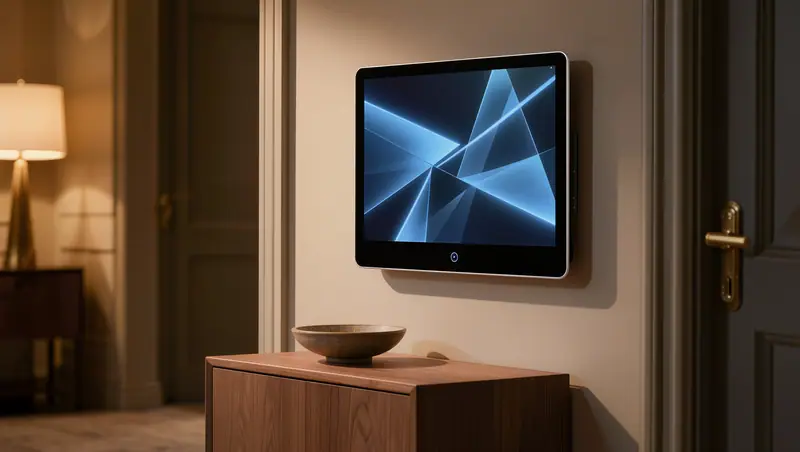
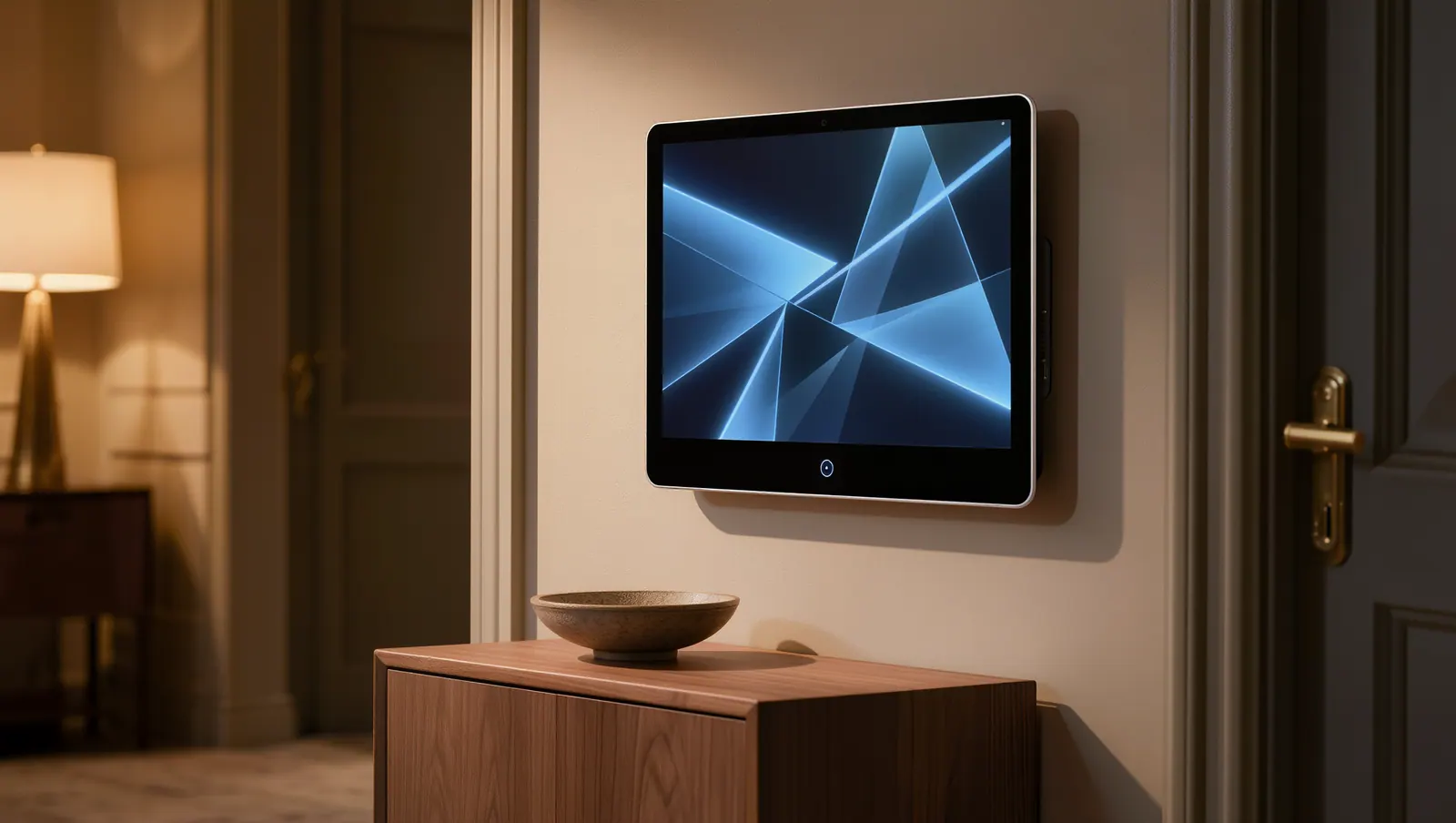
A touchscreen keypad fixes the human part of a home security system. Big buttons, plain words, and a screen that tells you what’s happening make it easier for everyone in the house to use the system every day, which is the only way it protects anyone. An alarm that stays disarmed because arming it is a chore is a very expensive set of decorations.
What a Modern Keypad Does Besides Beep
At its simplest, a touchscreen keypad arms and disarms the alarm, shows the status of every sensor, and tells you which window is open when the system refuses to arm. That last part alone saves a walk through the house. A good screen names the zone, “Back bedroom window,” instead of “Zone 14.”
Today’s keypads also act as a control center. On many systems you can view your security cameras and doorbell, lock and unlock smart locks, open or close the garage, adjust a smart thermostat, and run scenes like “Good night,” all from the same screen. For household members who don’t want another app on their phone, the keypad is the app.
Some keypads include their own cameras that can snap a photo when someone disarms, and some support voice prompts that announce which door just opened. Others offer larger text and higher contrast for older eyes. We match the features to the people who live there, rather than to whichever model has the longest feature list on the box.
- Arm stay, arm away, and disarm with clear prompts
- Zone names in plain language
- Camera and doorbell views on screen
- Lock, garage, lighting, and thermostat control
- Police, fire, and medical emergency buttons
False Alarms Usually Begin With a Fumbled Code
Police departments have a reason to care about your keypad. A national problem-solving guide for police from Arizona State University’s Center for Problem-Oriented Policing estimates that 94 to 98 percent of alarm calls are false. Common culprits are human: a forgotten code, an entry delay that’s too short, a houseguest who wasn’t told, a pet left in a room with a motion sensor.
False alarms waste police time, and cities respond with permits, fees, and in some cases reduced response for repeat offenders. Our guide to San Antonio’s alarm permit and false alarm rules covers what applies here. The cheapest false alarm is the one that never happens, and the second cheapest is the one canceled before anyone gets in a patrol car.
Touchscreen keypads help in small, practical ways. The countdown is visible and audible. The cancel option is obvious. Exit and entry delays can be adjusted to fit how long it really takes you to get from the garage to the keypad. And when an alarm does go off by mistake, a clear cancel lets the central station know quickly that it’s you.
The cheapest false alarm is the one that never happens.
The Front Door Is Often the Wrong Place for the Keypad
Builders put the keypad by the front door because that’s where doors are on blueprints. In real life, a great many San Antonio families come and go through the garage. If the keypad is thirty feet from the door you use, every arrival becomes a sprint through the kitchen. Moving it, or adding a second keypad by the garage entry, fixes more false alarms than any setting.
A second keypad in the main bedroom is just as useful in a long single-story home. Arm the system for the night without walking to the other end of the house, and have panic buttons within reach if you hear something at 2 a.m. In older homes in places like Alamo Heights, where the original keypad may sit in an awkward hallway, relocating it can be the single most useful upgrade.
Placement also means sightlines and glare. Don’t mount a keypad where it can be seen through a window or a glass front door, which lets an outsider check whether the system is armed, and possibly watch you type the code. Avoid direct afternoon sun, which washes out screens and heats electronics. A shaded interior wall near the garage door is usually the sweet spot.
Codes, Duress, and the Buttons You Hope to Never Press
Every person who uses the system should have their own code. That way you can see who disarmed the system and when, and you can delete a code when a housekeeper or caregiver moves on without changing everyone else’s. A shared code written on a sticky note inside the pantry door is not a code. It’s a suggestion.
A duress code is a second code that disarms the system normally while silently signaling the central station that you’re in trouble. It’s rarely needed and reassuring to have. On-screen emergency buttons for police, fire, and medical help work the same way: one press sends the right signal, even if your phone is in another room.
If you already have an older system, a new touchscreen keypad may be possible without replacing everything. Our system takeover service evaluates what you have and upgrades the parts that make the biggest difference, which is very often the keypad. Hardwired sensors from the original install frequently stay right where they are, still doing their quiet work behind the walls.
Ideal for
- Households where the alarm rarely gets armed
- Homes that have had false alarms
- Families with kids, caregivers, or older relatives
- Long single-story homes that need a bedroom keypad
- Owners of older systems with outdated keypads