Automation Is Mostly Plain Sentences: When This Happens, Do That
Strip away the marketing and a smart home is a list of instructions. When the last person leaves and the system arms, lock the front door and turn off the lights. When the garage door opens after dark, turn on the kitchen light. When the attic hits a certain temperature, send a text. The devices are the hands. The rules are the brain.
Most disappointing smart homes have plenty of hands and no brain. They have a voice speaker, a few bulbs, a plug, and a thermostat, each with its own app and none talking to the others. You end up doing the automation yourself, by walking around with your phone, which is just turning things off with extra steps.
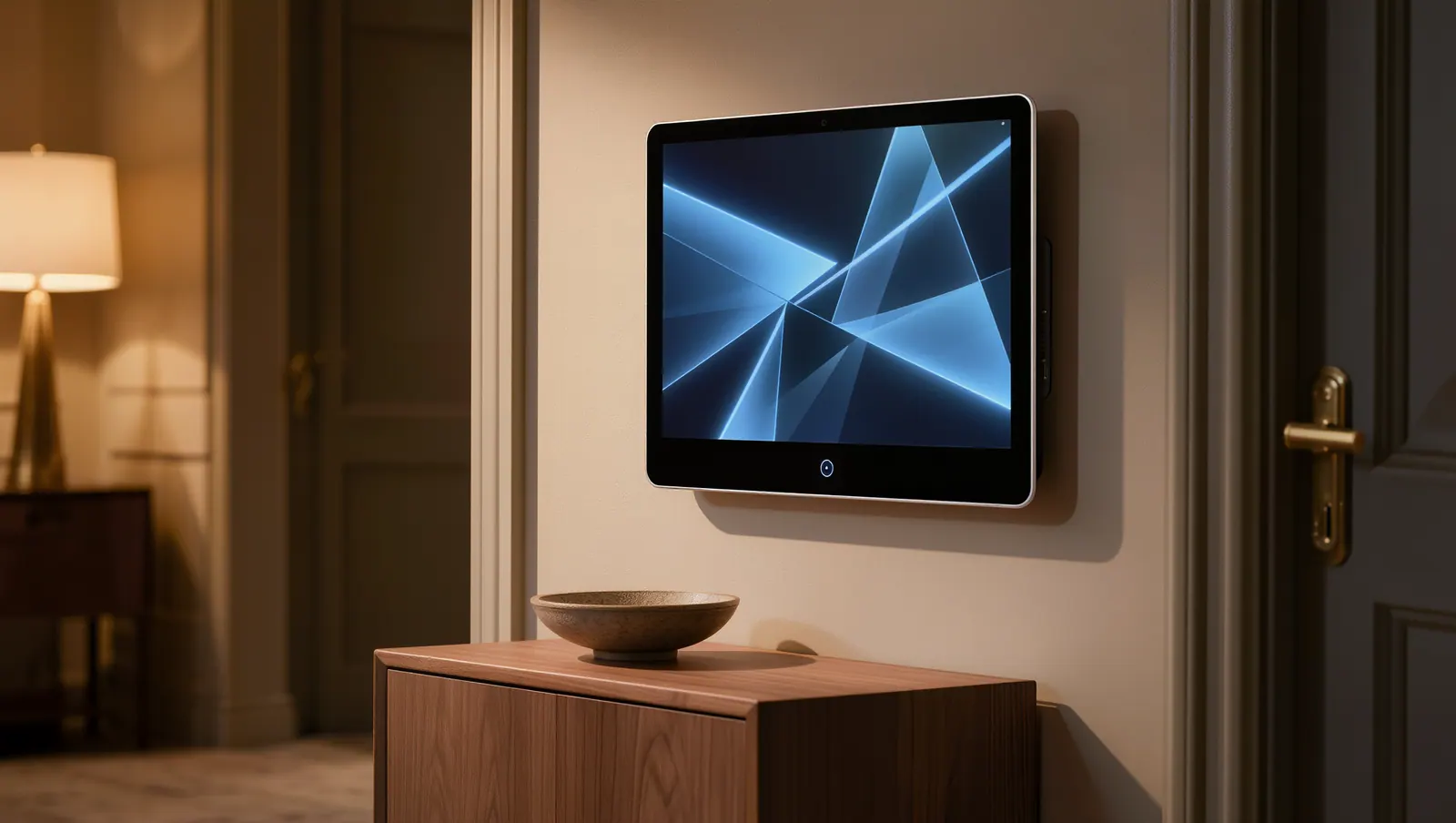
We build the brain first. In most homes that’s the security panel, which already knows when you leave, when you come home, and when you go to bed. It’s the one device in the house whose whole job is to notice things, and it already has a backup battery and a cellular radio, so it doesn’t forget its job when the router reboots.
The Radio Languages Underneath, and Why They Decide What Works
Smart devices talk over a handful of wireless standards. Wi-Fi is familiar and fast but power-hungry, and each device crowds your router a bit more. Z-Wave and Zigbee are low-power mesh networks built for locks, sensors, and switches; each powered device relays signals for its neighbors, which helps in long houses. Matter, a newer standard, aims to let devices from different makers cooperate.
Why should you care? Because a lock and a panel that don’t share a language can’t share a rule. Buy devices one at a time from a store shelf and you may find that the deadbolt you love only talks to its own app. We choose devices that speak to the panel, so every piece can join the routines.
Range matters in San Antonio’s long single-story homes, where the garage and the main bedroom can be eighty feet apart through several walls. Mesh networks handle that well once enough powered devices, like light switches and plugs, are spread across the house to carry the signal. We plan that layout instead of hoping.
Scenes Worth Setting Up on Day One
Scenes are bundles of actions triggered by one event. The best ones save you a dozen small decisions a day, and they make the security side easier to use, which means it actually gets used. Nobody forgets to arm a system that arms itself when they say good night. Here are the ones nearly every household ends up keeping.
Commuters especially like the arrival scene. Pull into the driveway after an hour on I-35 and the garage opens, the alarm disarms, and the hallway lights come on before you’ve found your keys. Travelers like the vacation scene, which turns lamps on and off on a loose schedule so the house doesn’t sit dark for ten straight nights.
- Good night: arm stay, lock every door, close the garage, dim the lights
- Away: arm away, lock up, set the thermostat back
- Arriving: disarm, open the garage, light the path inside
- Vacation: varied lighting, alerts for any door opening
- Alarm: turn on every light and unlock nothing
Most disappointing smart homes have plenty of hands and no brain.
The Sensors That Pay for Themselves When the Weather Turns
Texas weather turns houses into science experiments. In February 2021, San Antonio dropped to 9 degrees and stayed below freezing for days. The Texas Department of State Health Services later counted 246 deaths linked to that winter storm statewide, mostly from cold exposure, with carbon monoxide poisoning among the other causes as people tried to heat their homes.
A temperature sensor in a vulnerable spot, like an exterior wall behind the kitchen sink or a garage with a water heater, can warn you before a pipe freezes. A leak sensor under the water heater, the washing machine, and each sink catches the drip before it becomes a ceiling. Automation can go further and close a motorized water valve the moment a leak is detected. Our article on winter storm lessons for freeze and water monitoring has the full checklist.
Carbon monoxide deserves its own sentence. The CDC counted an average of about 430 deaths a year from unintentional, non-fire carbon monoxide poisoning nationally between 1999 and 2010. Federal safety guidance calls for CO alarms on every level of the home and outside sleeping areas. Ones tied to a monitored panel can alert someone even when nobody’s home to hear the beep. See fire and environmental monitoring.
Where Smart Homes Go Sideways
The first trap is cloud dependence. Some gadgets stop working when the manufacturer’s servers have a bad day, or when the company decides to discontinue the product. Systems that run their rules locally on a panel or hub keep locking doors when the internet is down. Ask how a device behaves offline before you buy it.
The second is security itself. Every cheap camera and plug on your network is a small computer, and some never receive updates. We favor devices with a track record of patches, change default passwords, and keep your security equipment from depending on a bargain gadget. The third trap is complexity. A system only one person in the house understands is a hobby, not a home.
That’s why we keep the design plain. Start with the things that protect the house, like smart locks, a smart thermostat, and garage door control, then add comfort features once the basics run themselves. In larger homes out in places like Boerne, we plan the mesh network before we hang the first switch.
Ideal for
- Busy households with long commutes
- Frequent travelers and second-home owners
- Homes with water heaters or plumbing in the garage or attic
- Families caring for an older parent who lives alone
- Homeowners tired of juggling a different app for every device
- Large single-story homes that need a strong mesh network